Let Claude Code, Codex or Gemini use your Android phone
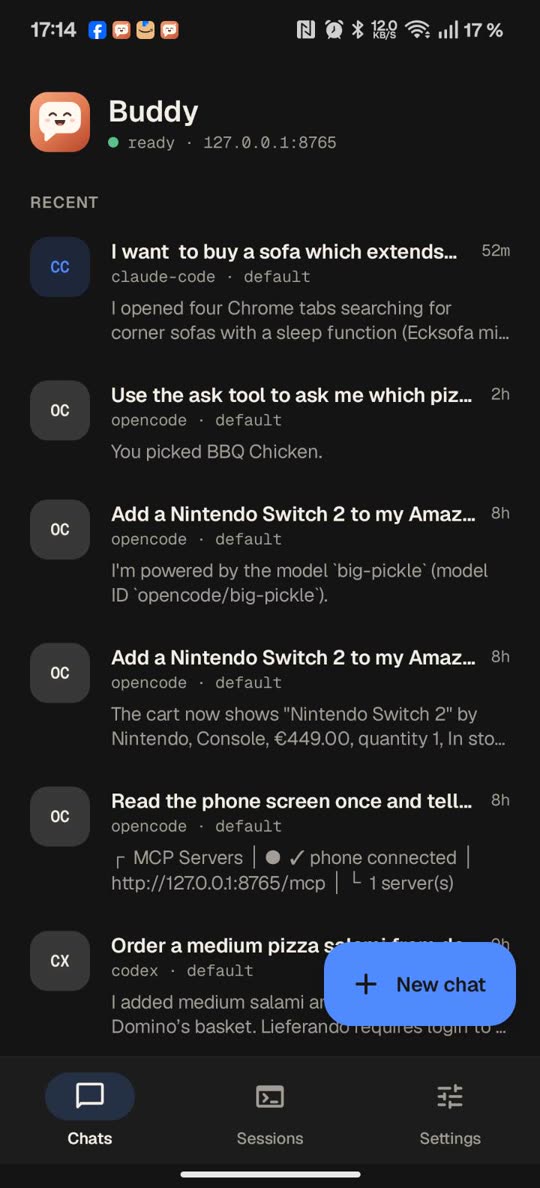
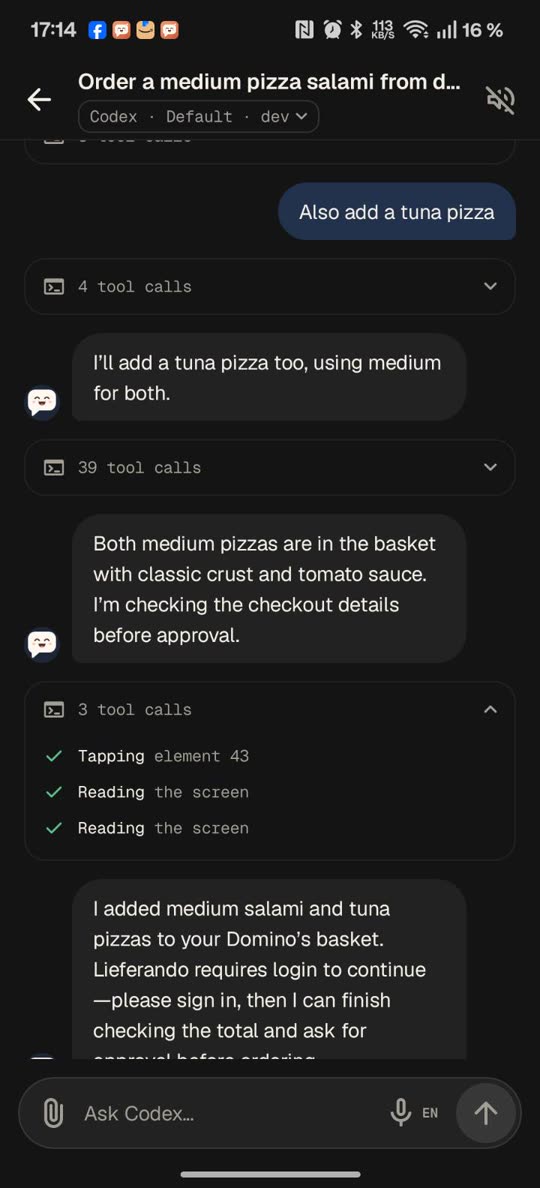
Buddy is a floating chat bubble. Type or say what you want, like “reply to Sam that I'm running late”, and an AI agent reads the screen, taps and types to get it done. It asks you before anything is sent, posted, bought or deleted.
Free and open source (Apache 2.0) · Android 11+, 64-bit · No root, no adb, no PC, no API key
See it work
Codex turns on the lights while OpenCode's free model adds a Switch 2 to the Amazon cart (real recordings, waiting sped up).
Your own AI agent, on the phone
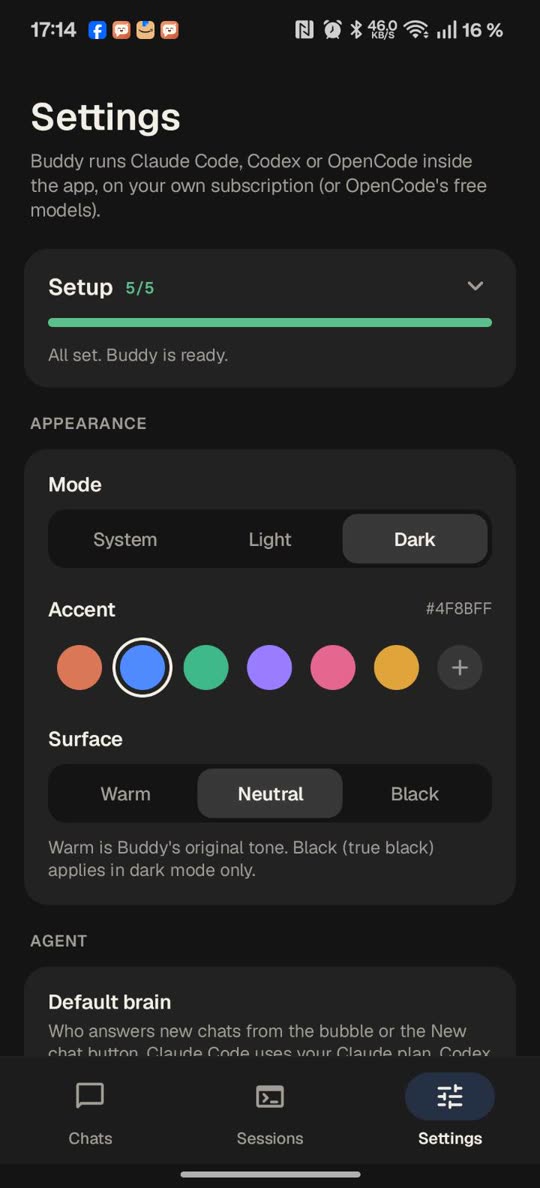
Buddy runs the agent inside the app, in a small Linux, on the plan you already have: Claude Code with your Claude plan, Codex with your ChatGPT plan, Google's Antigravity CLI (Gemini) with your Google account, xAI's Grok with your Google or X account, or OpenCode with its free models and no account at all. You can also add API keys for other services, or a model server on your own network.
Uses your apps
Messages, shopping, smart home, settings: anything on screen. Add instructions while it works.
Asks first
Approve, Deny or Change before anything is sent, posted, bought or deleted, from the lock screen too. Buddy enforces it, not the agent.
Shows you how
“Show me how to turn on dark mode”: it points at each step and waits for your tap.
Acts on notifications
“When a customer asks on WhatsApp, reply with our opening hours”, with your OK or a countdown you can stop.
Voice
Talk to it and have replies read aloud.
Background mode
The agent works in your apps on a screen of its own that you don't see, while you keep using your phone. Set up once on the phone itself; watch it live in the chat.
Background browser
Web pages in a browser inside Buddy, without taking over your screen, even while the phone is locked.
Builds apps
Turn on Linux tools in a chat and “make me a calculator app” builds and installs a real APK on the phone.
Phone tools as MCP
The same tools as a local MCP server for your own Claude Code, Codex, OpenCode, Antigravity or Grok sessions.
Screens
How it works
Buddy is a normal Android app with an accessibility service, the kind of permission screen readers use. The agent runs in a small Alpine Linux inside the app and uses Buddy's phone tools (read the screen, tap, type, scroll, open apps) over a local MCP server on 127.0.0.1. No adb or Wireless debugging needed, and it works without Wi-Fi. Background mode, which is optional, pairs once with the phone's own Wireless debugging so the agent can have a screen of its own.
Buddy app / bubble ──► Buddy's Linux (Alpine via proot): claude, codex, opencode, agy or grok
        ▲                                                     │
        └──────────── streamed replies ◄──────────────────────┤
                                                              ▼
Buddy accessibility service ◄──── MCP on 127.0.0.1 (phone tools)
Questions
Can Claude Code control my Android phone?
Yes, with Buddy. Buddy runs Claude Code inside the app and gives it phone tools (read the screen, tap, type, scroll, open apps) through a local MCP server. You use your own Claude plan; no PC, adb or root is needed.
Does it need root, adb or a computer?
No. Buddy is a normal app with an accessibility service. The agents run inside the app, so there is no root, Shizuku or PC involved. One optional feature, background mode, pairs with the phone's own Wireless debugging, which Buddy sets up by itself on the phone.
Can I keep using my phone while the AI works?
Yes, in two ways. Web tasks run in a background browser inside Buddy. And with background mode the agent works in your apps on a screen of its own that you don't see, also while the phone is locked; approvals come as notifications you can answer from the lock screen.
Do I need an API key?
No. Claude Code uses your Claude plan, Codex your ChatGPT plan, the Antigravity CLI your Google account and Grok your Google or X account. OpenCode's free models need no account at all. You can add API keys for other services, or a local model server, if you want.
Can the AI send messages or buy things without asking?
Buddy itself stops on buttons like Send, Post, Pay and Delete and shows an approval card. The agent never types passwords, one-time codes or payment details; it hands those steps to you.
Can I use Buddy's phone tools from my own agent?
Yes. The same phone tools are a local MCP server on the phone, which your own Claude Code, Codex, OpenCode, Antigravity or Grok sessions (for example in Termux) can connect to.
Is Buddy free and open source?
Yes. Apache 2.0, with no Buddy servers and no paid tiers. Buddy is an independent project, not made by or affiliated with Anthropic, OpenAI, Google or xAI.